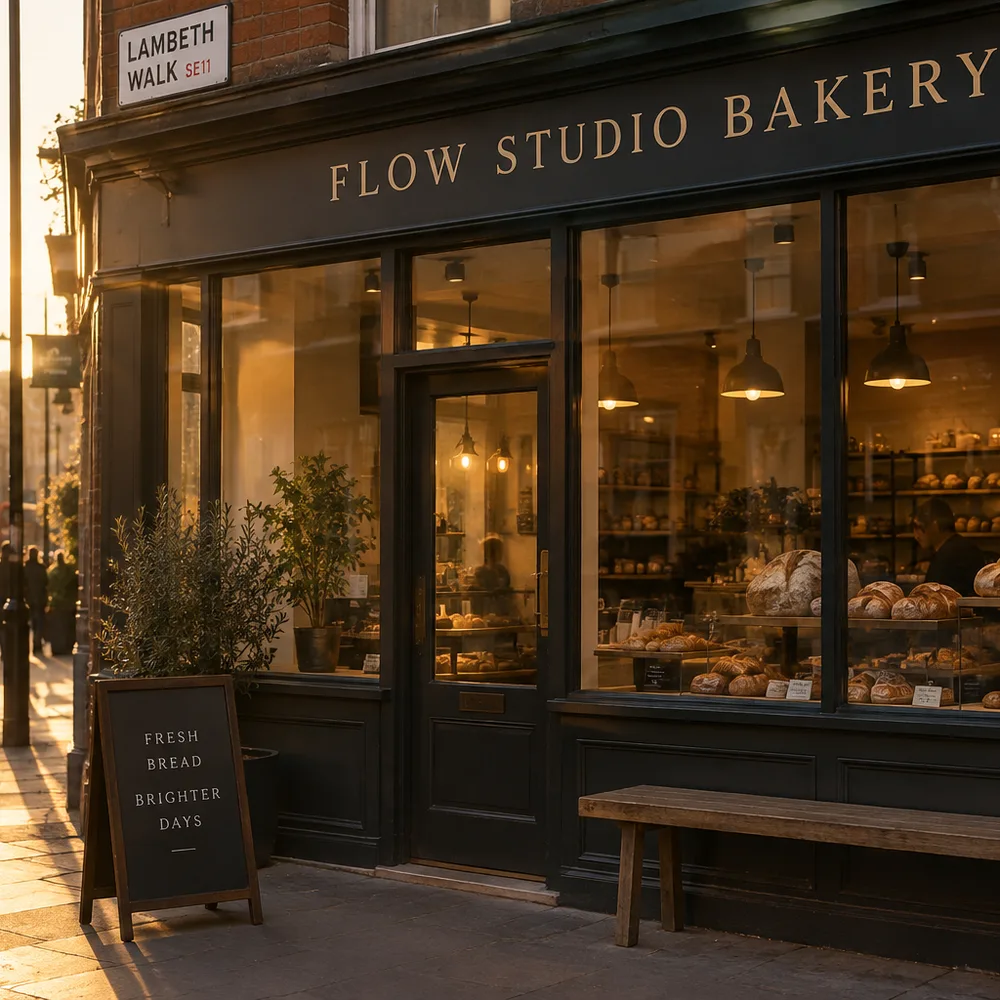
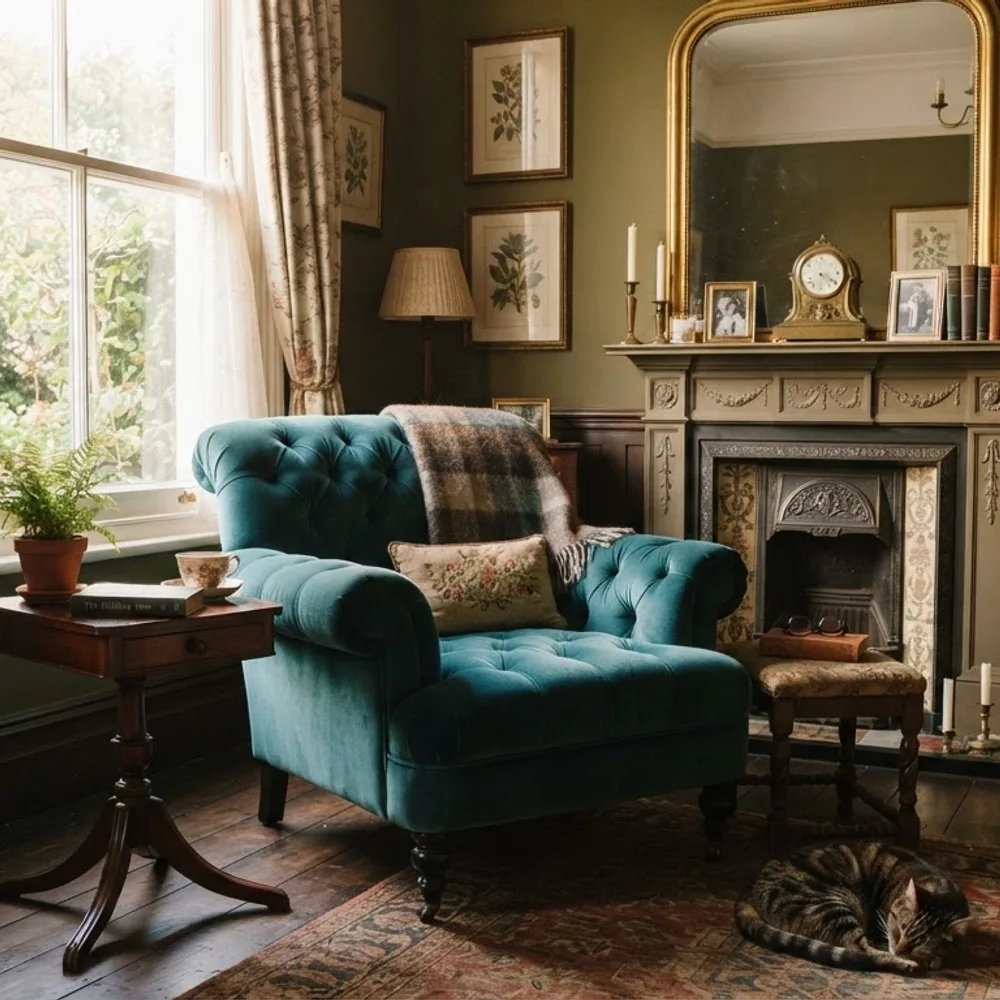
A node canvas for AI image, video and 3D work: renders from a Rhino view, plan-to-axo drawings, photo clean-ups, montage frames. Each run shows its cost before it starts.
The tools
Live
Architectural visualisation
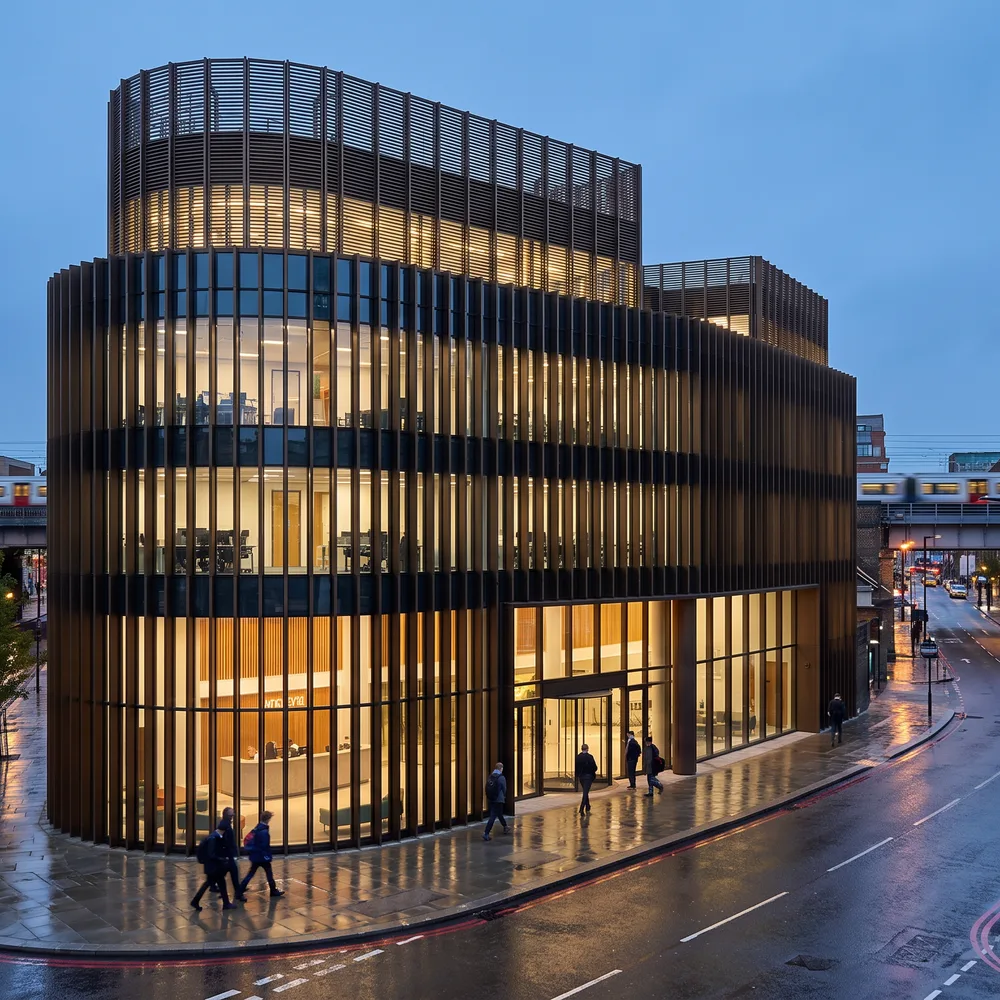
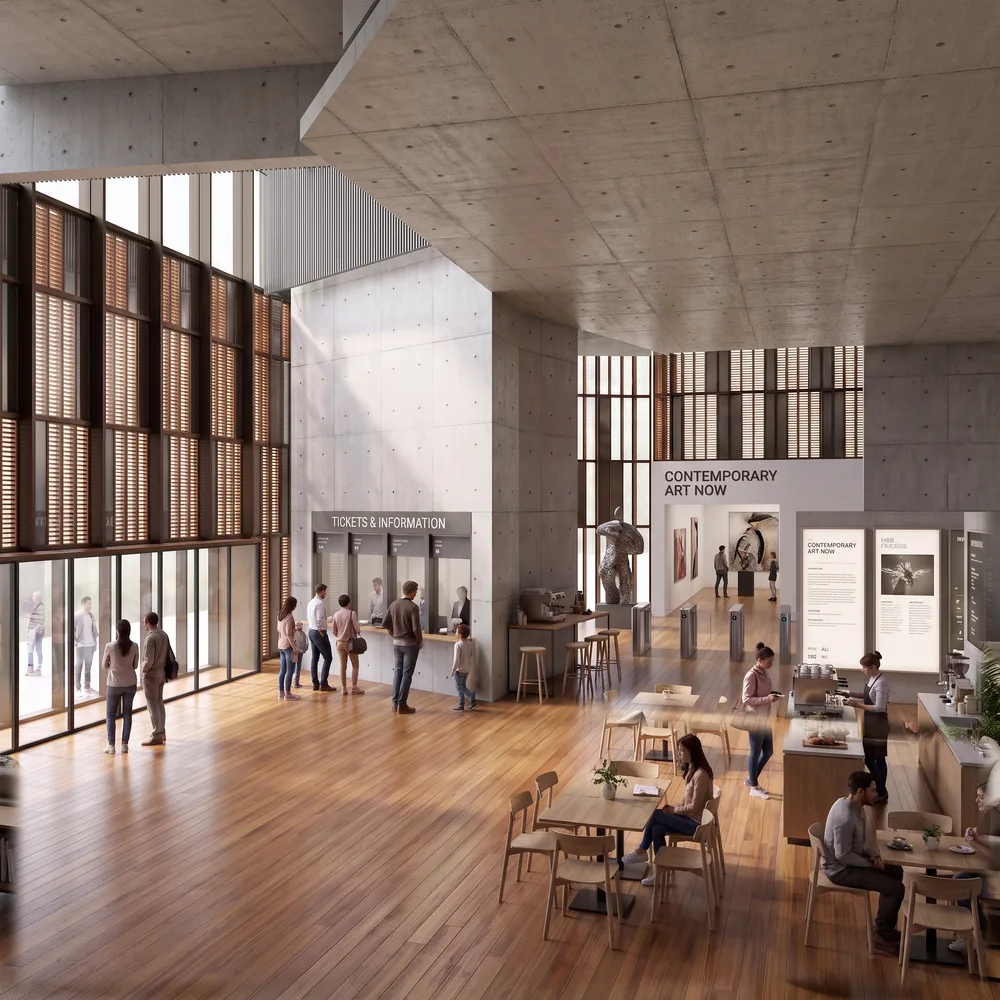
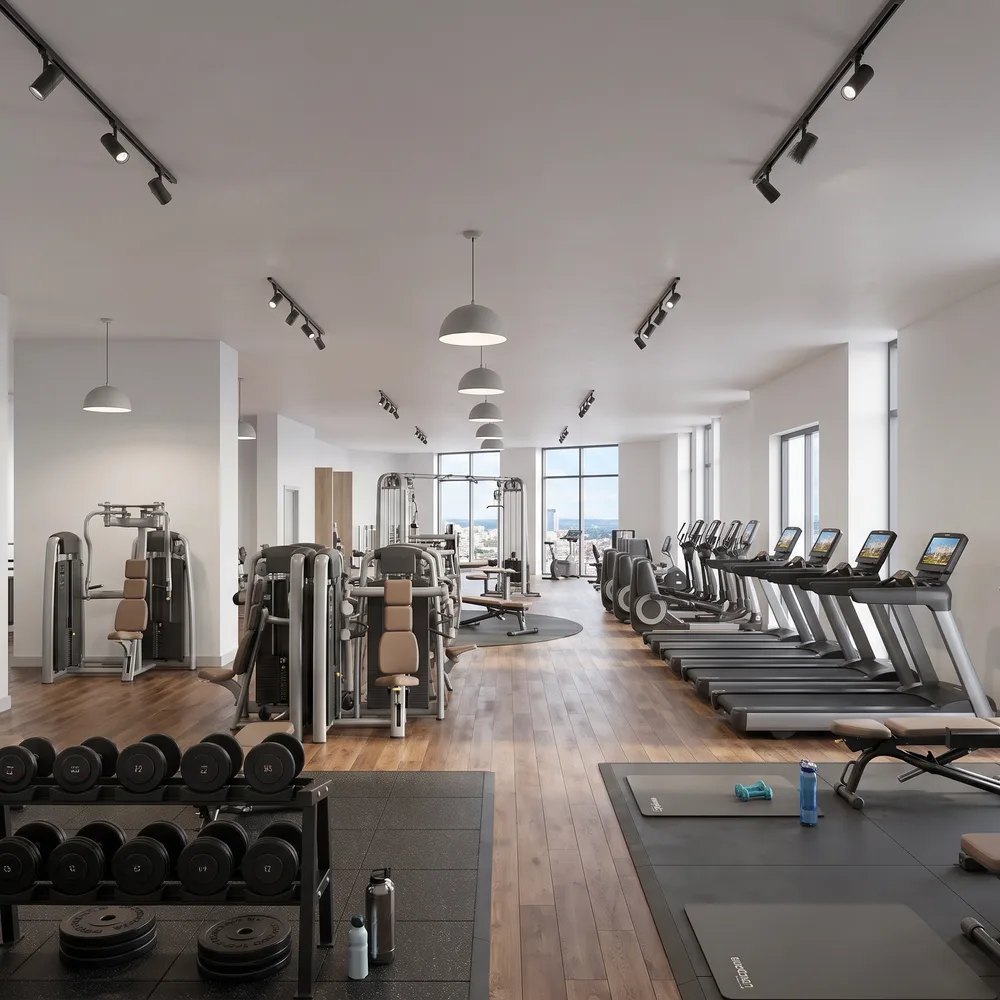
From your drawings or model, with the design kept exact: exterior and interior views, photomontages on a site photo, rendered plans and axos. Send a view from Rhino or a plan DWG, press Run – no canvas needed.
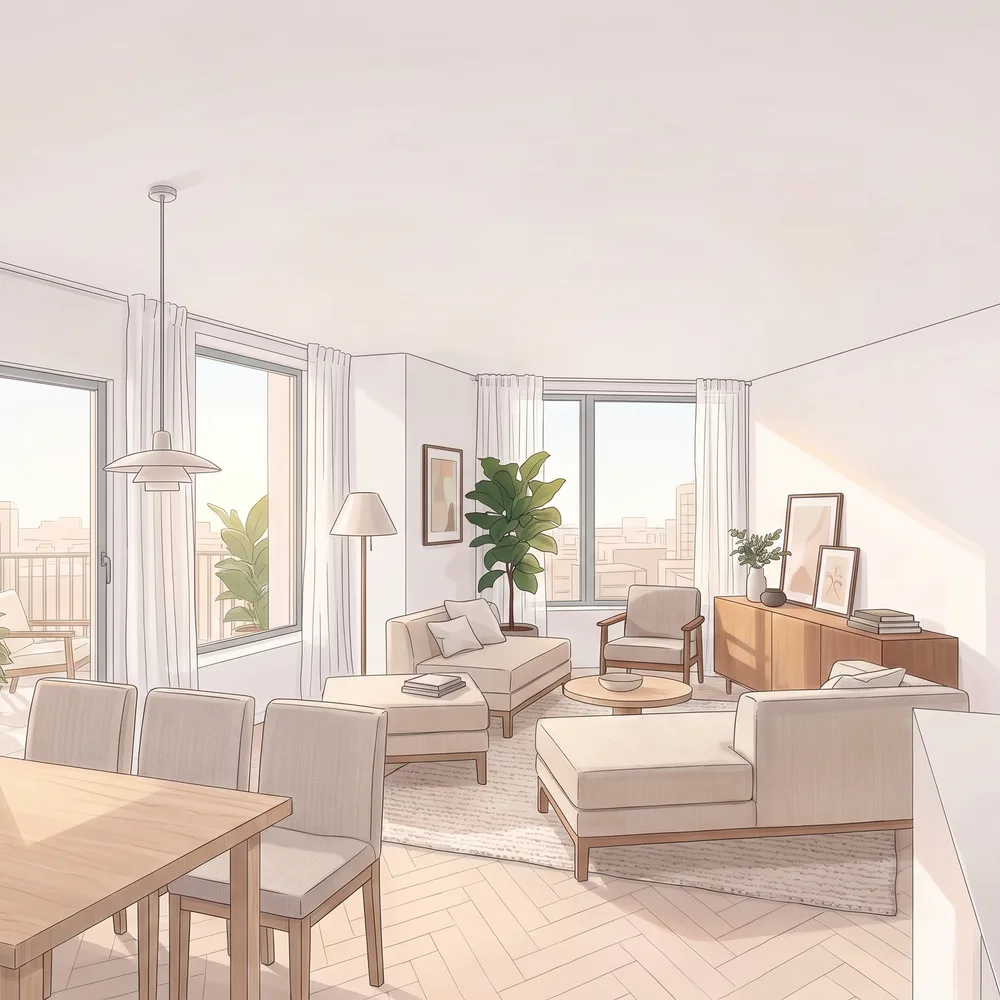
From any picture or clip: photo clean-ups, a photomontage turned into an illustration, dusk or night, a 3D model from one image, material samples from a photo, and video edits. Add a picture, press Run.
A Building Regulations check of DWG plans and sections against the Approved Documents (England): door widths, travel distances, stairs, cills and guarding measured from the drawing, the rest read and flagged for review.
Sustainability and environmental checks at design stage, from your model or plans: U-values and condensation, overheating (Part O and CIBSE TM59), pedestrian wind comfort, and sunlight and daylight to BRE BR 209. Free to run – each gives a report.
Rendered landscape plans from the landscape architect’s DWG or a plan PDF, with the building exact: a free drawn plan, an AI finish in a photographic or hand-illustrated style, or just one marked area rendered – at ground level, on a podium or a roof terrace.
Rhino 8 commands that send your views to Flow Studio, find the best bird's-eye and street-level cameras, and bring in the real site – OpenStreetMap buildings on LiDAR ground.
Sends your Twinmotion views to Flow Studio for exterior and interior renders – whatever software the model came from. All your saved views at once, with what goes where marked on each.
500+ materials at their real size: CC0 scans, metal finishes, glass, paints and render, and your own from photos. Pick a RAL colour and finish, compare in the same light, then export for Twinmotion, Rhino, glTF, MaterialX or USD. For signed-in nodestudiolab users.
The exact products you want in your interior views – design classics and makers’ pieces – kept as furniture sets per project, so the AI draws the sofa, chairs and table you chose.
Coming soon
Gallery
All made with Flow Studio.
“Visual, traceable, measured.”
nodestudiolab.dev
Get in touch
Questions, ideas, or something you would like to see on the canvas? Write to us.